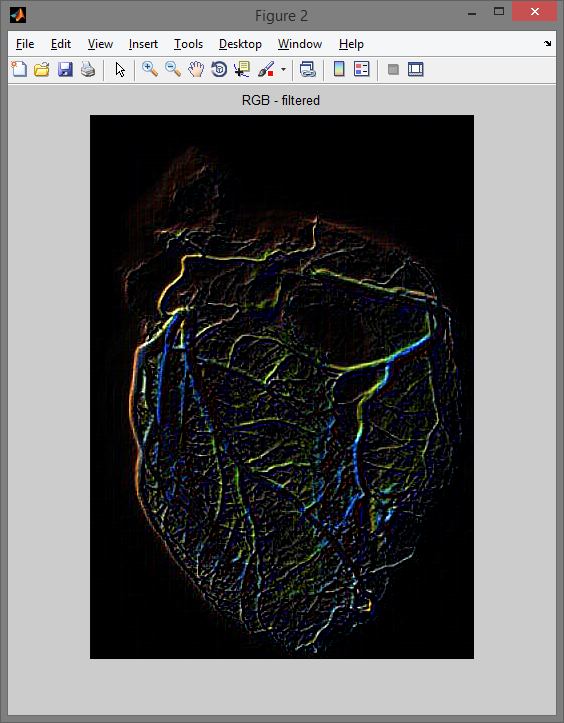
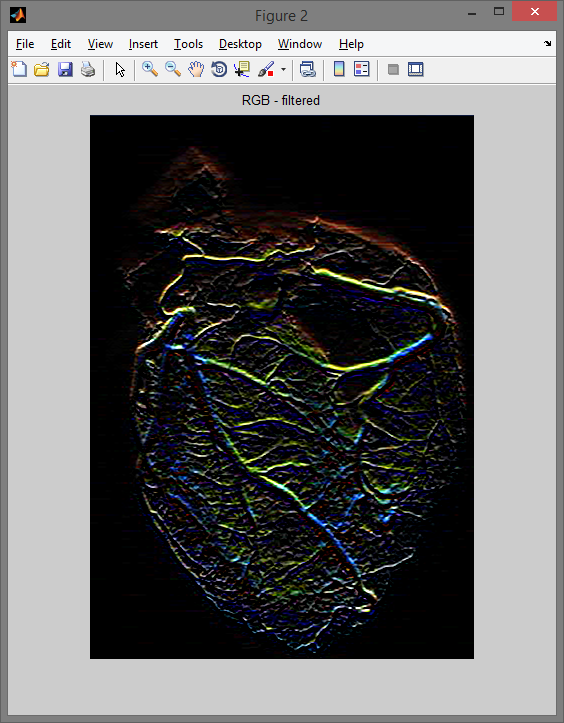
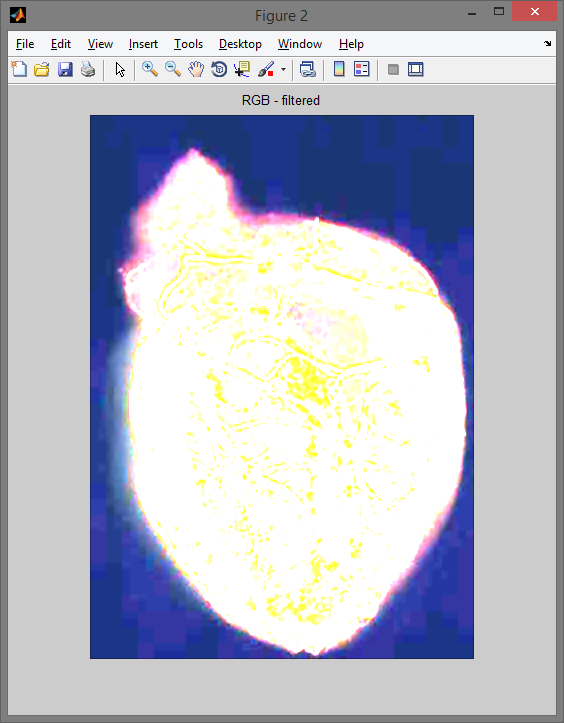
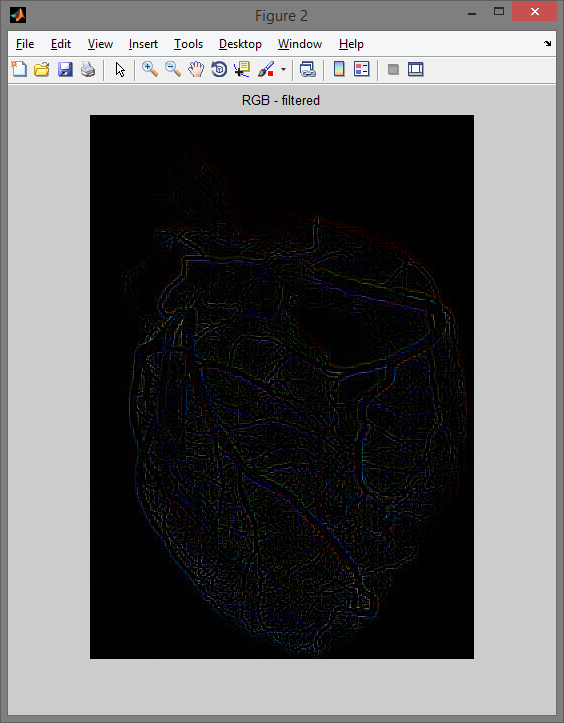
Filtry 10/02/2024 MATLAB Program: filtrujący przykładowe obrazy. Różnej kategorii filtrami:filtry uśredniające – dolnoprzepustowe,filtry wykrywające krawędzie,filtry wykrywające narożniki,filtry specjalizowane.Kompilator: MATLAB Galeria: Rozbicie kanałów RGB. Po filtrowaniu uśredniającym. Zastosowanie pozostałych filtrów: Filtr wykrywający narożniki.Filtr wykrywający krawędzie Sobela.Filtr uśredniający dolnoprzepustowy.Filtr specjalny Laplacian. Kod programu: clear all clc close all x = imread('heart_angiography','jpg'); red = x(:,:,1); green = x(:,:,2); blue = x(:,:,3); a = zeros(size(x, 1), size(x, 2)); red_c = cat(3, red, a, a); green_c = cat(3, a, green, a); blue_c = cat(3, a, a, blue); %% filtry uśredniające - dolnoprzepustowe % h=[1 1 1; 1 1 1; 1 1 1]; % h=[1 1 1; 1 2 1; 1 1 1]; % h=[1 2 1; 2 4 2; 1 2 1]; % h=[1 1 1; 1 0 1; 1 1 1]; %% filtry wykrywające krawędzie % h=[-1 -1 -1; 0 0 0; 1 1 1]; % Prewitt % h=[-1 -2 -1; 0 0 0; 1 2 1]; % Sobel % h=[0 0 0; -1 0 0; 0 1 0]; % Roberts %% filtry wykrywające narożniki % h=[-1 -1 1; -1 -2 1; 1 1 1]; % h=[-1 -1 -1; 1 -2 1; 1 1 1]; % h=[1 1 -1; 1 -2 1; 1 1 -1]; % h=[1 1 1; 1 -2 1; -1 -1 -1]; %% filtry specjalizowane %h=fspecial('gaussian'); %h=fspecial('disk'); %h=fspecial('laplacian'); %h=fspecial('prewitt'); %h=zeros(size(x)); y = zeros(size(red)); y = uint8(filter2(h,red)); y1 = zeros(size(green)); y1 = uint8(filter2(h,green)); y2 = zeros(size(blue)); y2 = uint8(filter2(h,blue)); red_filtred = y(:,:,1); green_filtred = y1(:,:,1); blue_filtred = y2(:,:,1); rgb_filtred = cat(3, red_filtred, green_filtred, blue_filtred); subplot(221);imshow(x); title('RGB'); subplot(222);imshow(red_c); title('R'); subplot(223);imshow(green_c); title('G'); subplot(224);imshow(blue_c); title('B'); figure,imshow(rgb_filtred); title('RGB - filtered'); subplot(131); imshow(x); title('Obraz wejsciowy'); subplot(132); imshow(h); title('Obraz Filtr'); subplot(133); imshow(y); title('Obraz po filtracji'); Grafika MATLAB Program Programowanie grafiki